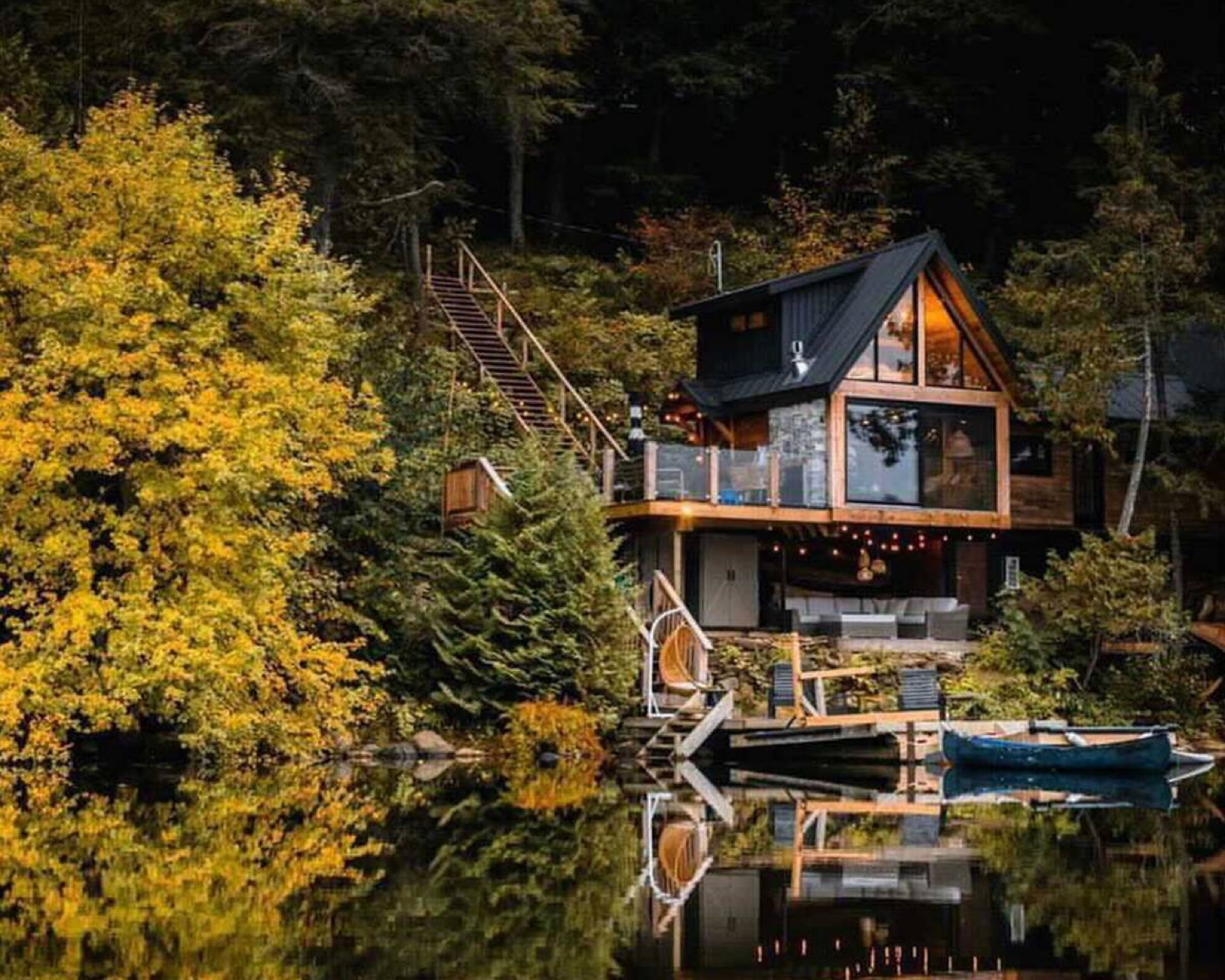
A lake house at dusk with a canoe at the dock
For Airbnb, Vrbo & direct-booking hosts

Your WiFi password is the most-asked-for thing in your rental. Stop giving it away for free.

Guests scan a card, enter their name and email, and get online. You get every guest — not just the booker — matched to the stay, in a list you own.

Start free — one property, no hardware   How it works

Our place: The Water’s Edge, Muskoka, Ontario
80–90%of guests sign in when WiFi asks — versus roughly 1 in 12 who reply to a “please share your email” message*
3–5×more contacts per stay than a booker-only list — every adult has a phone
$0platform commission on a guest who comes back and books direct

*Industry-reported capture rates for WiFi sign-in; your own numbers show live in the dashboard.

Why we built it

We run three cottages. We wanted the list, not the hardware bill.

Every August the same families come back to the lake — and every August we found out through Airbnb, paying the fee again. The tools that fix this quote you a price on a call and ship you a $284 router.

So we built our own: a QR card on the fridge, a sign-in page, and a list that knows which stay each person belonged to. It runs on the Bell router the cottage already had. Then we opened it up.

Free for one property, because that’s how we’d have wanted to try it.

— ShariCottage Creators · Muskoka, Ontario
A canoe on the dock at sunset
How it works

Ten minutes of setup. One friendly screen for guests.

Welcome to The Water’s Edge

Enter your details and we’ll show you the WiFi password.
Name
Email
Mobile (optional)
I agree to the WiFi terms.
Email me offers & direct-booking deals.
Connect to WiFi

Print the card

Replace the laminated password card with a QR code. Guests scan it with their camera — no app.

Guests sign in

Name, email, optional mobile, a required WiFi-terms box and a separate, unchecked marketing opt-in. Then the password appears with a one-tap “Add WiFi to iPhone”.

You get the list

Each sign-in is matched to the reservation from your PMS or iCal, tagged booker vs guest, with proof of consent. Export it, or let the automations send the welcome, the review ask and the winter offer.

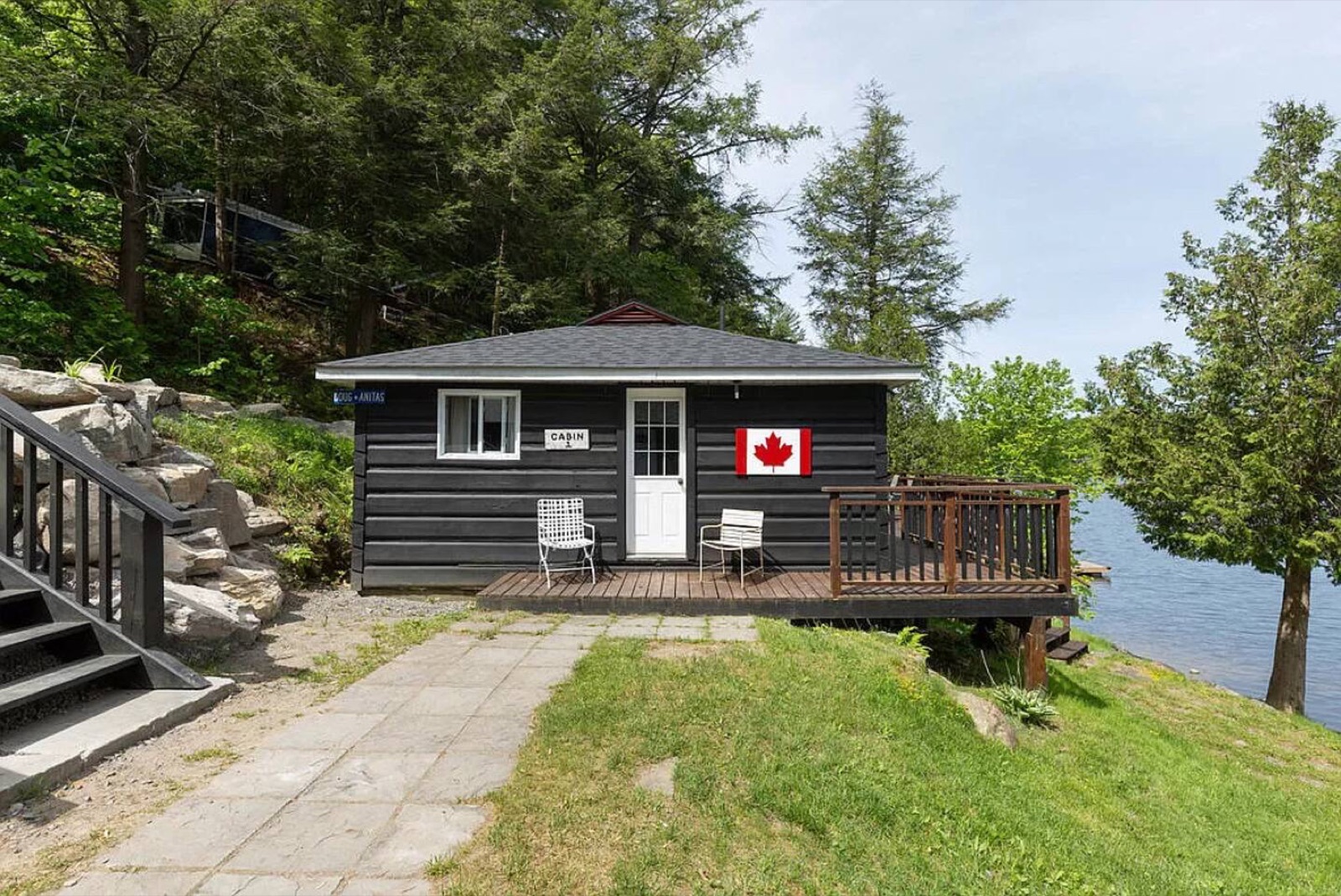
A black cabin with a Canadian flag beside the lake
Built for small hosts

Works with the WiFi you already have.

No hardware to start

The password-gate mode works on any router — Bell, Rogers, Deco, eero, whatever came with the internet. Want forced sign-in? Add the $79 box later; same card, same page.

Your PMS, connected

Hospitable, Hostaway, Guesty, OwnerRez, Lodgify, Smoobu — or any iCal feed. Sign-ins land on the right stay automatically.

Unlimited contacts, ever

Your list grows every week. Nobody should charge you more because it did.

Consent done properly

Opt-in is a separate unchecked box, never a condition of WiFi, every consent logged with time, IP and wording. CASL, CAN-SPAM and GDPR-ready out of the box.

What you see

The list, with the stay attached.

Who came, when, which property, whether they opted in, and which reservation they belonged to. Filter, export, or send.

ContactsLoginsReservationsProperties
NameEmailMarketingLast seenPropertyStay
Priya & Dev M.priya.m@…opted inAug 30The Water’s Edgeairbnb · Aug 29 → Sep 1 (booker)
Jordan K.jordan.k@…noAug 30The Water’s Edgeairbnb · Aug 29 → Sep 1
Sam & Lee T.sam.t@…opted inAug 23The Nestvrbo · Aug 22 → 25 (booker)
Ana R.ana.r@…opted inAug 23The Nestvrbo · Aug 22 → 25

Questions hosts ask

Will guests find it annoying?

It’s the same ten seconds as hotel WiFi, and the password is the reward. A clear “we’ll send you the guest guide” line turns it into a perk. You control every word, and you can make email optional.

Do I need new hardware?

No. The free plan works with any router because the card leads to a page, not a network. If you later want guests to be forced to sign in before they get online, a $79 plug-in box does that on your existing WiFi name.

Is asking for an email for WiFi legal in Canada?

Yes, done properly. CASL needs express consent for marketing email, so our opt-in is a separate unchecked box, never required for access, and every consent is recorded. That’s the default, not a setting you have to find.

What about smart locks, cameras and the TV?

They don’t see the page in password-gate mode. In box mode they’re allow-listed once and never prompted.

Can I set it up without going to the property?

Everything except printing the card. A cleaner or co-host can put it on the fridge.

Ask SignInStayAnswers in seconds · humans within a day
Hi! Ask me about setup, routers, pricing, integrations or consent rules. If I can't answer, I'll point you to a person.